
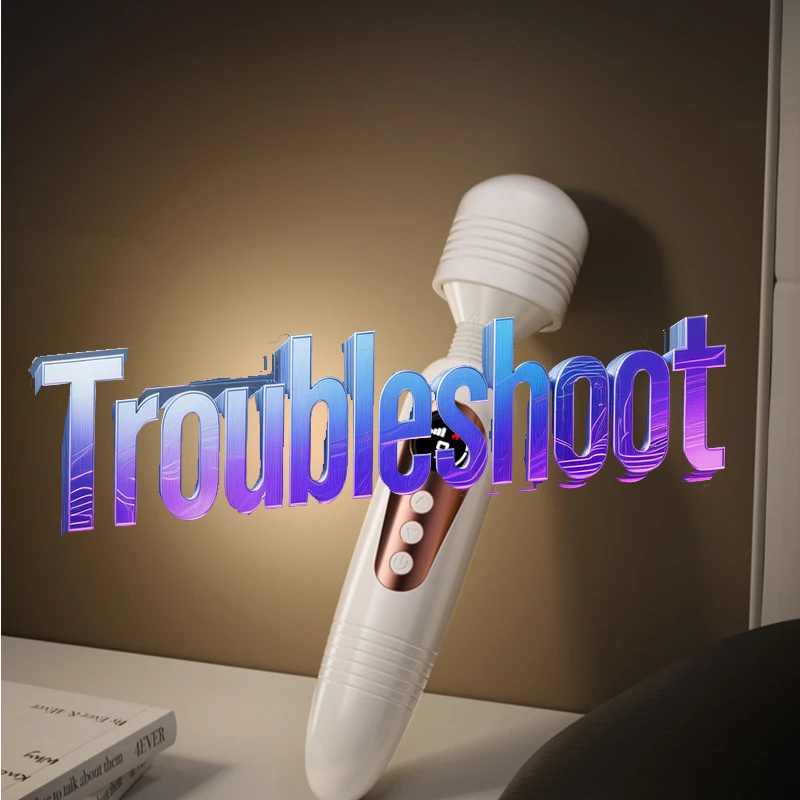
①What to do if the product cannot be turned on?
You can first fully charge the product and then try to turn it on. If it still cannot be turned on, please don't panic. Contact customer service, and they will definitely help you resolve the issue.
②What to do if it cannot be charged or the indicator light is not on?
If your charging port is magnetic charging, you can try wiping the two contacts of the magnetic charging port clean with a tissue and then try again, or replace the charger. If it still cannot be charged, please contact customer service for assistance.
③What to do if it cannot be charged or turned on after long-term disuse?
When the product's battery level is too low, please charge it in time. When not in use for a long period, it is recommended to charge it once a month to maintain battery activity. Do not leave it discharged for extended periods to avoid damaging the battery, which could affect future use.
④What to do if Bluetooth cannot connect? (Only for products with Bluetooth functionality)
You can perform a restart operation. Forcefully power off the toy by long-pressing or short-pressing the switch button, then turn it on again and attempt to connect. Ensure that the Bluetooth permission on your phone is enabled. When inserted into the body, do not clamp it too tightly; allow the smart signal to 'breathe' in fresh air for better performance. If it still cannot connect, please contact online customer service for assistance.